





AI Tools for Programmers – Code Smarter with AI in 2026
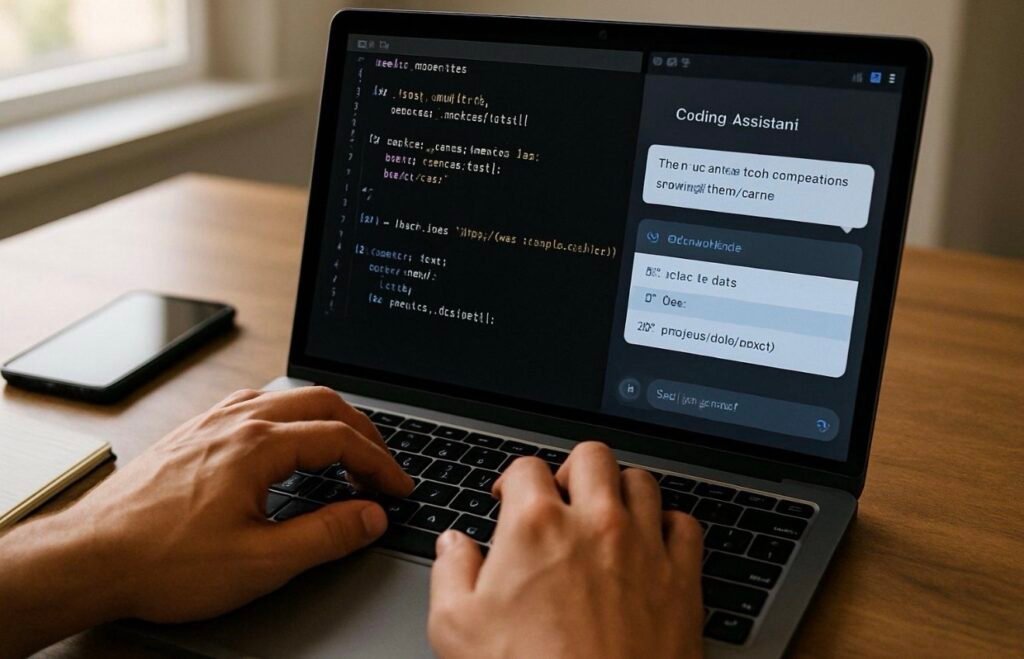
Artificial Intelligence has become an essential part of modern software development. Whether you’re a beginner learning to code or an experienced developer building large applications, AI coding tools can help you write cleaner code, fix bugs faster, generate documentation, and improve productivity.
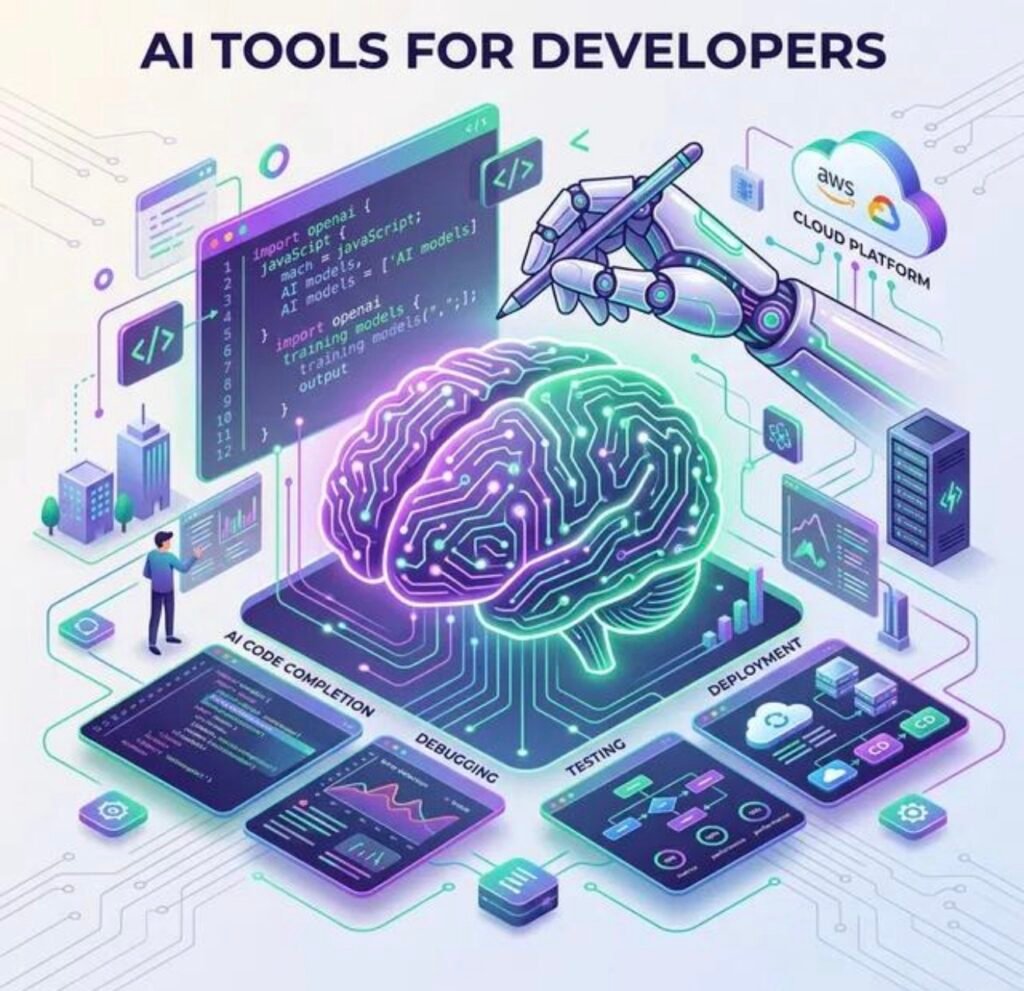
In 2026, AI is assisting developers throughout the software development lifecycle—from planning and coding to testing and deployment.
Best AI Tools for Programmers
1. GitHub Copilot
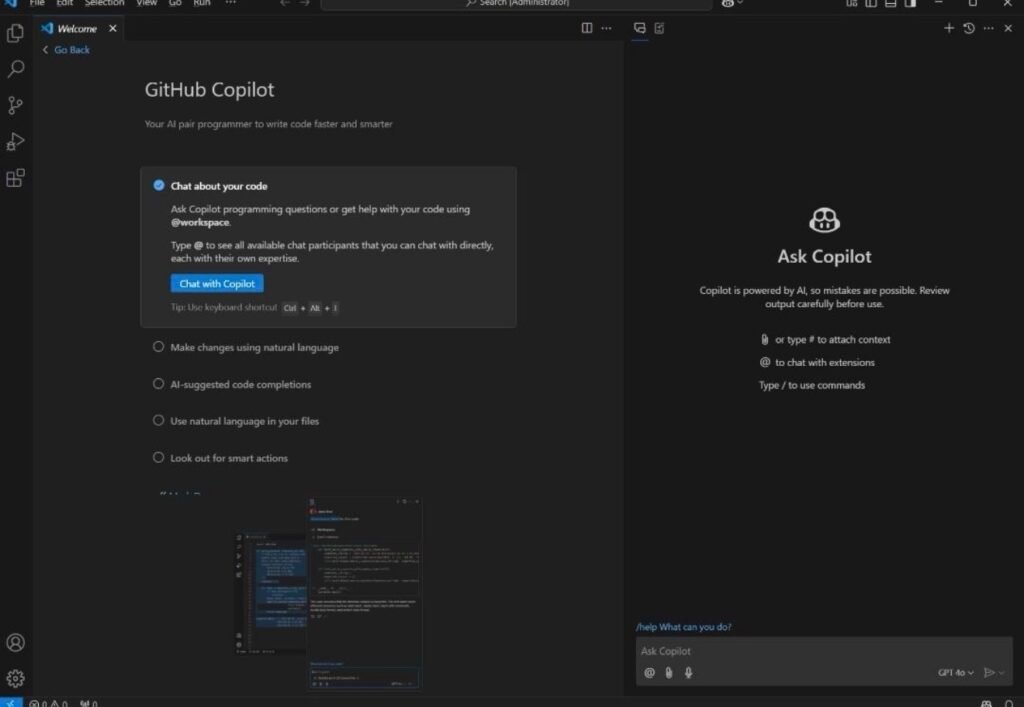
One of the most popular AI coding assistants for code completion, function generation, and real-time programming support inside popular code editors.
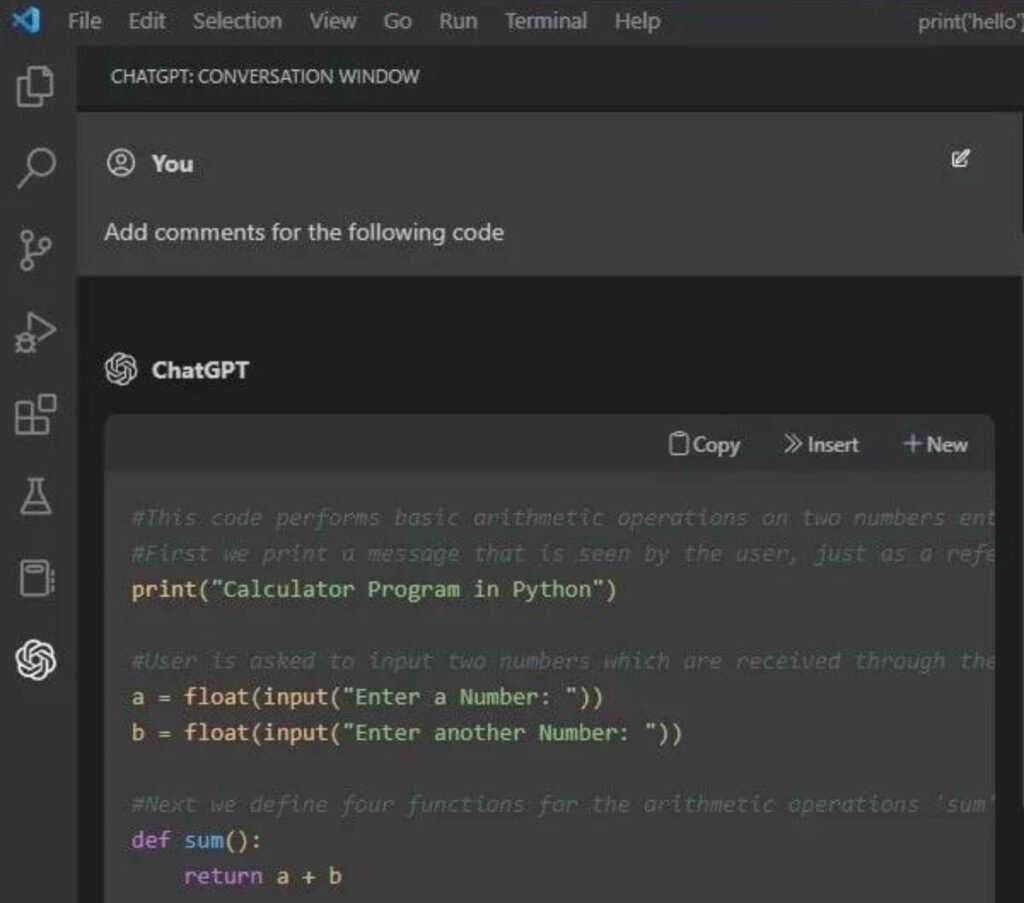
2. ChatGPT
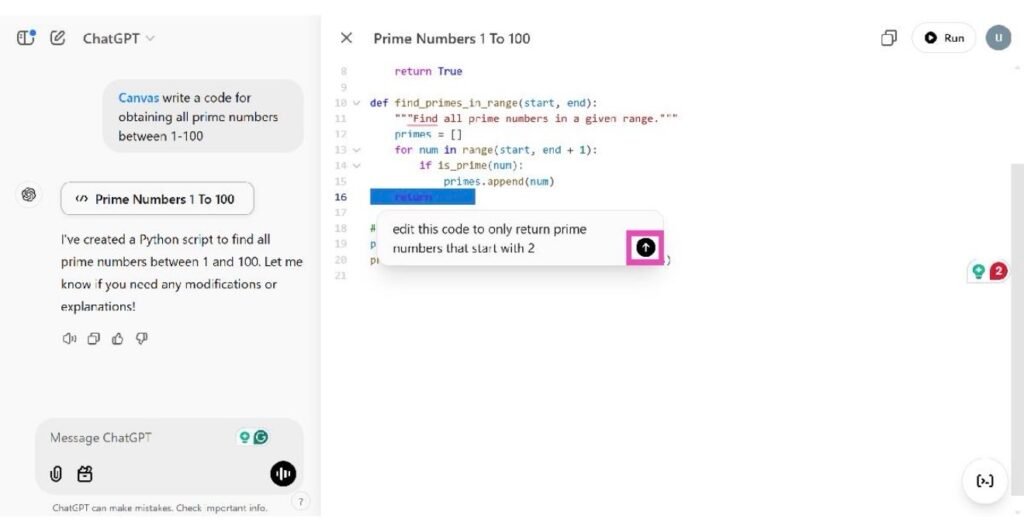
Generate code, explain programming concepts, debug errors, write SQL queries, create APIs, and learn new programming languages with ease.
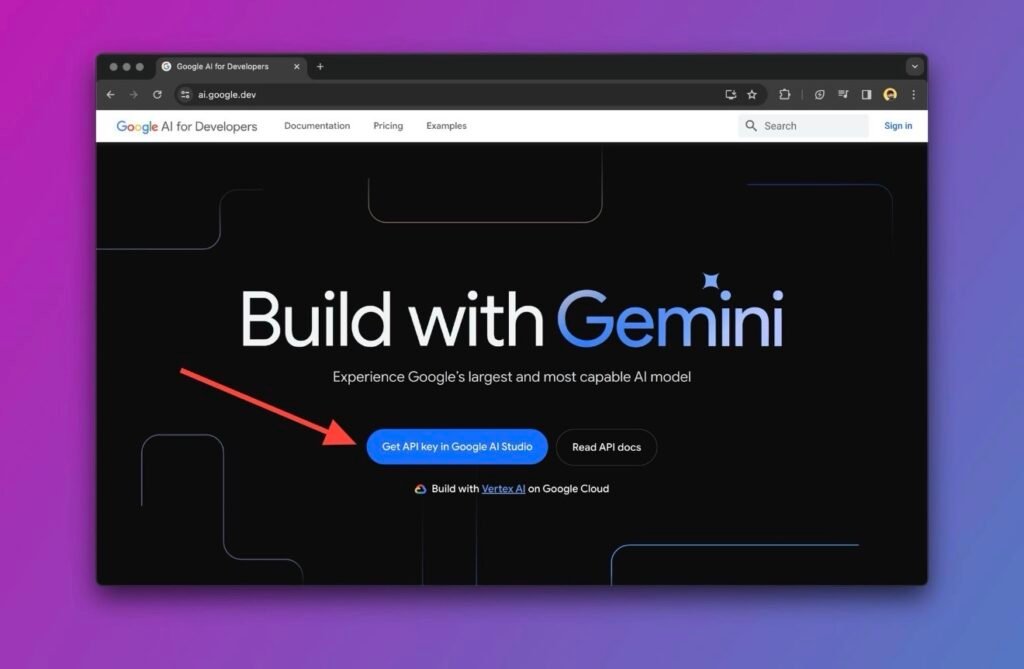
3. Google Gemini
Useful for coding assistance, documentation, algorithm explanations, project planning, and solving technical problems.
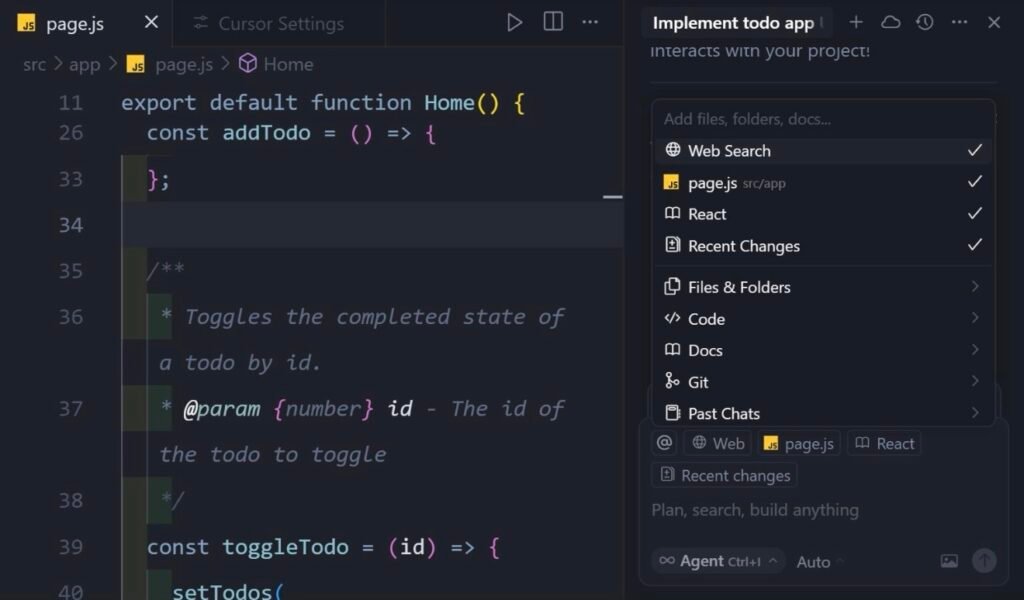
4. Cursor AI
An AI-powered code editor designed to help developers write, refactor, and understand code more efficiently.
5. Claude AI
Excellent for reviewing large codebases, generating documentation, and explaining complex programming logic.
6. Amazon Q Developer
Provides AI assistance for coding, debugging, cloud development, and application modernization.
7. Replit AI
Helps developers generate code, debug applications, and build projects directly in the browser.
8. Tabnine
Offers AI-powered code completion that supports multiple programming languages and development environments.
9. Codeium
A fast AI coding assistant with code completion, chat features, and support for many IDEs.
10. Sourcegraph Cody
Designed for understanding large repositories, searching code intelligently, and generating code suggestions.
Why Programmers Should Use AI Tools
- Write code faster
- Reduce repetitive coding tasks
- Detect and fix bugs quickly
- Generate documentation automatically
- Learn new programming languages
- Improve code quality
- Increase development productivity
Popular Programming Languages Supported
- Python
- JavaScript
- TypeScript
- Java
- C++
- C#
- PHP
- Go
- Rust
- Kotlin
- Swift
- SQL
Tips for Using AI Coding Tools
- Review AI-generated code before using it in production.
- Test all code thoroughly to ensure correctness and security.
- Use AI to speed up development while maintaining your coding skills.
- Avoid sharing confidential source code with online AI services unless you understand the platform’s privacy policies.
- Keep your AI tools updated to access the latest models and features.
Free vs Premium AI Coding Tools
Free Plans
- Basic code generation
- Limited AI requests
- Suitable for students and beginners
Premium Plans
- Advanced AI models
- Faster code suggestions
- Larger context windows
- Better IDE integration
- Higher usage limits
Conclusion
AI Tools for Programmers are transforming software development in 2026 by making coding faster, debugging easier, and project management more efficient. Whether you’re building websites, mobile apps, desktop software, or cloud applications, AI can significantly improve your workflow.
Start with beginner-friendly tools like ChatGPT or Codeium, and as your projects grow, explore advanced assistants such as GitHub Copilot, Cursor AI, and Amazon Q Developer to maximize productivity.
Suggested Internal Links for DSMTips.com:
- AI Tools for Teachers
- AI Apps for Android
- AI Apps for iPhone
- AI Business Ideas in 2026
- AI Prompt Engineering Guide
Connect With Us
🌐 Main Blog: dsmtips.com 💻 Also visit: computerventures.in 📸 Instagram: @deepakmunje4333 | @ai_deepak4333📞 Contact: 9175363333